 Michael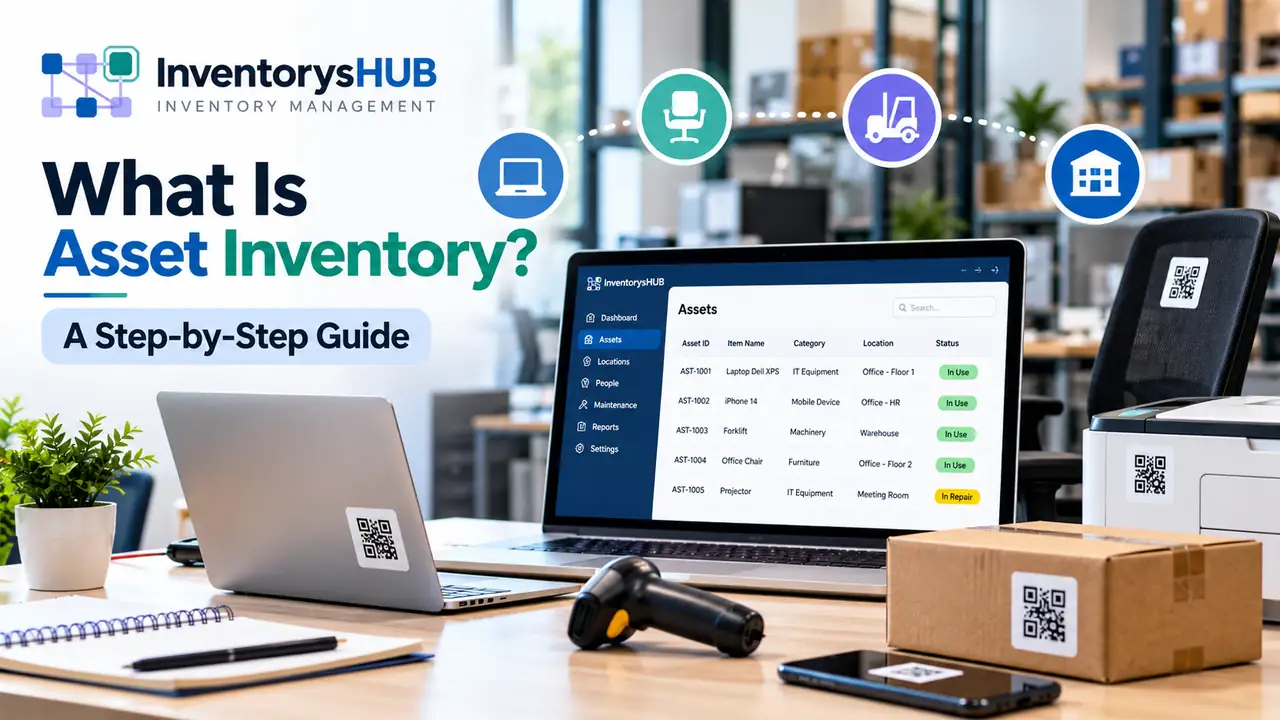
Many businesses know what they paid for equipment but not where it sits today. Asset inventory closes that gap. It is a complete record of the company assets that a business owns and uses to operate. Each entry shows what the item is and where it sits and who holds it.
Paper lists and spreadsheets fall behind quickly so modern asset management software keeps the record live through tag scans. This guide explains the asset inventory meaning and answers what is asset inventory software. It also walks through eight steps to build the list.
Which Items Count as Company Assets
The asset inventory meaning becomes clear with examples. An asset is any item of lasting value such as a laptop or a forklift or a trademark. Company assets fall into five broad groups.
IT hardware and software licenses form one group and machinery and vehicles form another. Furniture and property and intangible assets complete the list. Each group needs its own details but all of them belong in one record.
Stock inventory is a different thing because stock is held for sale while an asset is held for use. The same laptop is an asset on an employee desk but stock on a retail shelf.
Small businesses often treat the list as a one-off project. Larger firms treat it as a living record. The second view is better because assets move and age and leave every week.
Why Businesses Track Every Asset
Budget decisions improve when leaders can see what already exists. A team about to buy ten new monitors may find twelve idle ones in a storage room. The inventory turns that hidden equipment into saved cash.
Audits and insurance claims also depend on accurate records. An insurer asks what was lost and what it was worth. A tagged item with a purchase record answers both questions in minutes.
Maintenance is the third gain since service dates and warranty dates sit on the same record as the item. Equipment gets serviced on time and warranty claims do not lapse unnoticed.
Staff changes are a frequent source of drift. A laptop returned by a leaver can sit unrecorded in a drawer for months. A custodian field and a handover scan close that gap.
How an Asset Register Differs From the Inventory
An asset register is the financial record. It holds cost and depreciation and book value. The inventory holds the physical facts such as location and condition and custodian.
| Factor | Asset Inventory | Asset Register |
| Main purpose | Track location and use | Record financial value |
| Owned by | Operations and IT teams | Finance and accounting teams |
| Key data | Location and status and custodian | Cost and depreciation and book value |
| Update rhythm | Changes with every move | Changes at accounting periods |
| Verification | Scans and physical checks | Ledger and audit review |
The two lists should match each other. A ghost asset sits on the register but cannot be found on site. An unrecorded asset is the reverse and exists on site without a register entry.
What to Record for Each Asset
A good record uses the same fields for every item. These fields cover the needs of most businesses and keep records easy to compare.
-
Asset ID: A unique tag number printed on the label.
-
Description: Name and make and model and serial number.
-
Category: IT equipment or vehicle or furniture or another group.
-
Location: Site and room or storage area.
-
Custodian: The person or team responsible for the item.
-
Purchase details: Date and cost and supplier and invoice number.
-
Status: In use or in repair or in storage or retired.
-
Warranty and service: Expiry date and last maintenance date.
Ownership gaps are a common reason items go missing. Fill the custodian field early and keep it current.
Eight Steps to Build the Inventory
A clear order of work keeps the first inventory accurate. Each step below feeds the next one.
-
Step 1: Set scope and threshold. Pick the sites and asset types for round one. Add a cost threshold so that low-value items do not swamp the list.
-
Step 2: Collect existing records. Gather purchase invoices and the asset register and old spreadsheets because these sources show what should exist.
-
Step 3: Tag every asset. Attach a barcode or QR label with a unique ID. Place labels in the same spot on similar items so that staff find them fast.
-
Step 4: Count on site. Walk through each location and scan every tagged item while noting its true location and condition.
-
Step 5: Load the data. Import the scan results into the tool and check for duplicate IDs before saving.
-
Step 6: Reconcile with the register. Compare scanned items with the asset register. Mark each mismatch as missing or unrecorded and resolve it.
-
Step 7: Assign custodians. Link every asset to a person or team. Update the link when staff join or leave.
-
Step 8: Schedule audits. Check high-value items every quarter and the rest once a year.
Audit frequency should follow risk because laptops and phones move often and hold data. Those items deserve quarterly checks. Heavy machinery and furniture rarely move so an annual check is enough. This tiered approach saves labor without losing control.
Mistakes That Break the Record
Even a good method fails with poor habits and these errors appear often.
-
Tagging late: Tag items when they arrive. Tagging later means chasing items across sites.
-
No custodian: Items without owners go missing first.
-
One-time counts: A list that is never updated loses value within months.
-
Separate lists: Finance and operations should work from matching records.
-
Tracking everything at once: Start with high-value items and widen the scope later.
Most of these errors share one cause. Nobody owns the process after the first count. Naming one owner for each site fixes most of them.
Where Software Fits in the Process
Asset inventory software is a digital tool that stores records of company assets in one shared database. Every asset gets a unique ID and a profile with location and owner and cost and status. Staff update that profile by scanning a tag instead of editing a spreadsheet.
Most tools run in a web browser so every site sees the same data at the same moment. That removes the version problems that come with emailed files. It also lets many people work on the records safely at once.
The software keeps a history for each item too. A manager can see when a laptop moved to a new hire and when it went for repair. A spreadsheet rarely holds that trail in a reliable way.
Mobile scanning matters in daily use. A phone camera can read most barcode and QR labels so special scanners are optional for small teams. Larger sites may add handheld scanners for speed.
How InventorysHub Helps Manage Company Assets
InventorysHub is web-based software that keeps asset records in one dashboard. Teams use a browser on a desktop or a phone so no local server is needed for tracking company assets. Every approved user reads the same live data.
How InventorysHub Fits the Workflow
Tagging and counting come first in the workflow. Staff scan barcode or QR labels during the physical count and each scan updates the item record. Location and custodian and status change within seconds.
Reconciliation comes next in the process. Finance and operations teams filter assets by site and category and status. The shared view makes gaps against the asset register easy to find.
Audit Trail and Reports
Each asset keeps a history of moves and assignments and status changes. Reports show idle and aging items so managers can reuse equipment before buying new. The same history speeds up audits and staff handovers.
Teams ready to leave spreadsheets behind can explore InventorysHub asset management and tracking software. The first inventory can then live in one place.
How to Choose the Right Tool
Choose a tool by testing real work. Scan five tagged items on a phone and time how fast the records update. Import a sample spreadsheet and check that no fields are lost.
Access rules matter next because finance may need cost data that general staff should not see. Ask whether the tool covers several sites and whether support hours match the business day.
Growth deserves a test as well. Ask how the tool handles ten times the current asset count and how reports behave at that size. A tool that suits fifty items should still work for five thousand. Integration with accounting tools helps too because exports keep the asset register current without double entry.
Asset inventory turns a loose set of belongings into a record that finance and operations can trust. So what is asset inventory software in practice? It is the tool that keeps that record current through scans and a shared database.
Start with high-value items and a named owner for each one. Reconcile against the asset register after every count. Widen the scope once the first round runs smoothly.
Frequently Asked Questions
What is asset inventory software?
It is a tool that stores records of company assets in a shared database and updates them through tag scans. Unlike a spreadsheet it keeps a history for every item and allows many users to edit safely.
How long does a first asset inventory take?
The time depends on asset count and number of sites. A small office can finish a count in a day or two. A multi-site business may need a few weeks so starting with high-value items helps.
Which assets should get a tag?
Tag items above a set cost and items that move often or hold data. Laptops and phones and power tools fit that rule. Low-cost items such as cables can be tracked as a group.
What is a ghost asset?
A ghost asset appears on the asset register but cannot be found on site. It may be lost or sold or retired without an update and regular reconciliation catches it.
Who should own the asset inventory?
Operations or IT usually manages daily updates while finance reviews the register. A named owner for each site keeps the data current.
What happens to assets when an employee leaves?
The custodian field should change during offboarding. The item is scanned back in and checked and then reassigned or stored. This step prevents silent loss of company assets.
Is a spreadsheet enough for a small business?
A spreadsheet works for a few dozen items at one site. Problems start with several users and several locations because versions drift apart. That is the point to move to software.