 Michael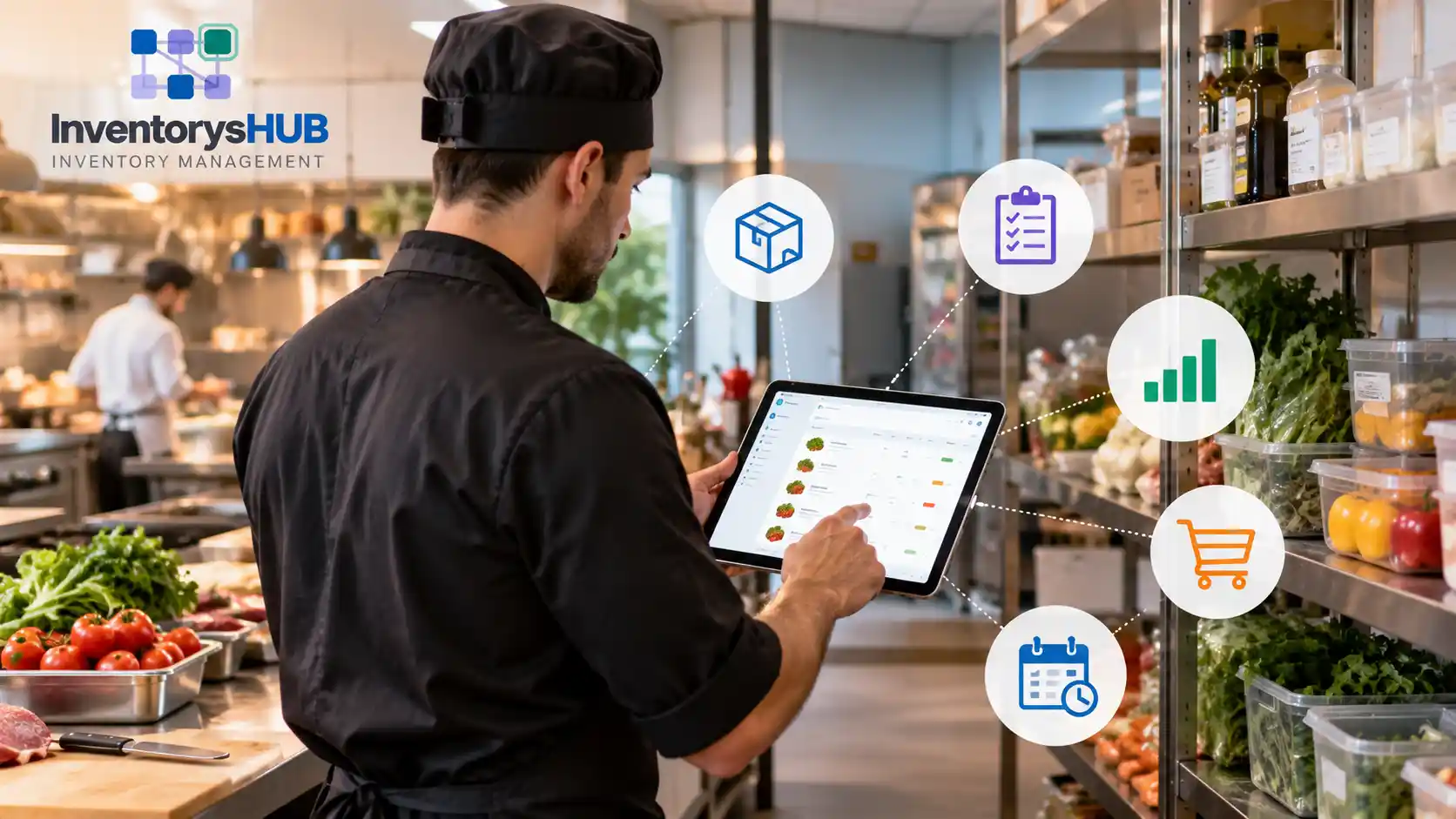
Knowing how to manage inventory in a restaurant comes down to a few steady habits. Count stock on a fixed schedule, set par levels for every item, check each delivery against the invoice and rotate food by date. When you compare usage with sales every week, food cost stays predictable and waste drops.
Most restaurant owners face the same inventory problems week after week. Produce spoils before anyone uses it, deliveries arrive short and orders get placed from memory. The walk-in looks full, yet the ingredient needed for tonight’s special has run out, and food cost climbs without a clear reason.
Good restaurant stock management solves these problems by replacing guesswork with a routine that the whole team can follow. Restaurant inventory management software like InventorysHub makes that routine easier, because live counts, low-stock alerts and usage reports sit together in one dashboard.
Why Does Restaurant Stock Get Out of Control?
Most stock problems begin during a busy week. The chef is stuck on the line, so someone places an order from memory, and the back door is crowded, so a delivery goes straight onto the shelf without a proper check. A case of produce then spoils behind newer stock, and a portion quietly grows by half an ounce on every plate.
None of these problems looks serious on its own, but together they push actual food cost well above the level the menu was priced to deliver. Staff turnover makes the situation worse, because a new cook may not know which shelf holds the expensive saffron. Written counts and clearly labeled shelves keep that knowledge in the kitchen whenever experienced people leave.
How to Manage Inventory in a Restaurant: 7 Steps
A workable system is straightforward and repeatable by whoever happens to be closing the kitchen. These seven steps suit everything from a single cafe to a multi-site restaurant group.
-
Map the storage areas. Split the space into dry storage, walk-in cooler, freezer and bar, then label each shelf. Give every item one permanent location so that every count follows the same walking path.
-
Build one master item list. For each ingredient, record the unit, pack size, supplier and latest cost. Consistent measurement units end the confusion between cases, bags and pounds.
-
Set par levels. A par level is the quantity you want available after a delivery arrives. Base it on average weekly use and delivery frequency, and review it each season as the menu changes.
-
Check every delivery. Compare the invoice with the purchase order and inspect quality and temperature before signing anything. Log shortages and substitutions on the same day so that supplier credits are not forgotten.
-
Rotate stock by date. Follow first in, first out (FIFO) by placing new items behind older ones. Date every opened item so that nobody has to guess its age.
-
Count on a fixed schedule. Count the same areas in the same order at the same time each week. Check costly items such as proteins and spirits more often, because small errors there cost the most.
-
Compare usage with sales. Compare what the kitchen should have used with what the physical counts show it actually used. Investigate any significant gap within days instead of weeks.
A short routine beats an elaborate procedure that nobody follows consistently. Ten focused minutes at close each night can identify more problems than one exhausting count at the end of the month.
What Is the Food Cost Formula?
Food cost percentage shows how much of each sale goes toward ingredients. It comes from inventory counts and purchase records, so accurate food inventory data makes the final number trustworthy.
Actual Food Cost % = (Beginning Inventory + Purchases − Ending Inventory) ÷ Food Sales × 100
Here is a practical example. A restaurant starts the month with $8,000 of food inventory, buys $12,000 more and ends the month with $7,000 on the shelves. The food it used costs $13,000, and with food sales of $40,000 the food cost is 32.5%.
Many full-service restaurants aim for approximately 28% to 35%, although the right target depends on the concept and the menu. Establish your own benchmark from historical results and monitor the trend every week.
Theoretical food cost is the figure your recipes predict if every portion is perfect. The gap between actual and theoretical cost points to waste, over-portioning and unrecorded giveaways.
How Often Should You Count Each Item Type?
Different items need different levels of attention, because a fast-moving herb and a bottle of top-shelf whiskey should not share a counting rhythm. This table is a practical starting point for restaurant stock control.
| Item Type | Examples | Suggested Count Rhythm | Main Risk |
| Fresh produce | Herbs, greens, berries | Daily or at each delivery | Spoilage |
| Proteins and seafood | Chicken, fish | Two or three times weekly | High cost and portion drift |
| Dairy and eggs | Milk, cheese, butter | Twice weekly | Short dates |
| Dry goods | Flour, rice, spices | Weekly | Overstocking |
| Frozen items | Fries, desserts, bulk meat | Weekly | Hidden surplus |
| Bar and beverages | Spirits, wine, kegs | Weekly with spot checks | Over-pouring and shrinkage |
| Disposables | Takeout boxes, napkins | Monthly | Running out unexpectedly |
The counting rhythm should follow both monetary value and shelf life, so perishable and costly items deserve the most attention. Spot checks add extra control without consuming additional hours in the schedule.
How Can You Cut Food Waste Without Cutting Quality?
Waste is the portion of food cost that nobody enjoys discussing, and it usually originates from spoilage, over-preparation, trim and plate returns. A simple waste log changes staff behavior surprisingly fast when staff record the item, quantity and reason each time something goes into the bin. Accurate records make the patterns easier to trace.
Once the patterns show up, the fixes are practical:
- Build prep lists from forecast sales instead of habit.
- Turn trim into the base for a soup or a staff meal.
- Use portion scales and standard tools so that every plate stays close to the recipe.
Portion variation is waste that never reaches the bin, which is why standard tools matter as much as the waste log itself.
What Mistakes Drain Restaurant Margins?
Even careful teams repeat the same errors, and these are the ones that show up most often.
-
Ordering from memory: Intuition works until a holiday or a new menu disrupts the pattern.
-
Monthly counts only: Problems stay hidden for weeks while costs add up.
-
Ignoring the bar: Beverage stock carries high value and high loss risk.<
-
Skipping the waste log: Without records, every loss looks like a mystery.
-
Letting recipes drift: Informal changes to portions break the connection between sales and consumption.
-
One person owns everything: Shared responsibility keeps counts going when the manager is absent.
Most of these errors share one root cause, because the routine depends on memory instead of a system. Writing the routine down and assigning a clear owner to each task fixes a surprising amount.
How Does InventorysHub Help You Manage Restaurant Inventory?
InventorysHub is cloud-based inventory management software that gives restaurants one place to track food inventory, bar stock and storage counts. Because it runs in a web browser, managers and kitchen staff see the same live numbers on a desktop or a phone, and nobody has to chase paper count sheets.
The software plays its biggest role in the habits that restaurants find hardest to keep. The table below connects each common problem to the feature that supports better restaurant stock control.
| Common Problem | How InventorysHub Helps |
| Orders placed from memory | Par level alerts show which items need ordering before the next delivery window |
| Slow and error-prone counts | Staff update quantities shelf by shelf on a phone, and stock levels change immediately |
| Short or wrong deliveries | Delivery quantities go into the system on the day they arrive |
| Food cost drifting upward | Usage and stock value reports show where costs are moving |
| Surplus at one site and shortage at another | One view compares stock across all locations |
Live Counts That Keep Food Inventory Accurate
Counting becomes much faster with a phone in hand, because staff update quantities shelf by shelf and the system adjusts stock levels right away. Accurate counts also make the food cost formula reliable, since the beginning and ending inventory figures come from the same live record.
Par Level Alerts That Prevent Stockouts
Par level alerts show which items need ordering before the next delivery window, so every order reflects real stock instead of memory. This protects the kitchen from two problems at once, because it avoids running out of key ingredients and also avoids over-ordering items that spoil.
Reports That Show Where Food Cost Is Drifting
Delivery quantities go into the system on the day they arrive, and usage and stock value reports then reveal where food cost is drifting. A manager can spot an over-portioned dish or a high-loss item within days instead of waiting for the month-end report.
Visibility Across Several Locations
Groups with several outlets can compare stock across sites in one view, so a surplus at one location can cover a shortage at another. Head office can also identify problem items without waiting for month-end reports.
Teams ready to leave paper sheets behind can explore InventorysHub restaurant inventory management software, and the first count can then live in one place.
What Should You Look For in Restaurant Stock Management Tools?
Evaluate any tool with a real count first by timing how long a full shelf takes on a phone and checking how quickly the numbers update. A tool that slows the closing shift will not last.
Reporting and flexibility matter next, so look for clear usage and variance reporting and support for several storage locations, and check that costs can be updated quickly whenever suppliers change their prices.
Learning how to manage inventory in a restaurant is less about heavy systems and more about steady habits. Count on a schedule, set par levels, check deliveries and track waste, because each habit protects food cost and keeps the complete menu available whenever guests ask for it. Together they form the backbone of reliable restaurant stock control and restaurant stock management.
Begin with your highest-cost items and appoint one accountable owner for each storage area. Add software for restaurant inventory management when paper counts begin to slow the team down.
Frequently Asked Questions
How to manage inventory in a restaurant without wasting stock?
Count stock on a fixed schedule and set par levels for every item. Check each delivery against the invoice and rotate food by date, then record waste so that purchasing follows real use. These habits remove most spoilage and over-ordering.
How often should a restaurant count inventory?
Most restaurants complete a full physical count weekly or monthly. High-cost items such as meat and spirits benefit from counts two or three times a week, while perishables can be checked at each delivery.
What is a par level in a restaurant?
A par level is the target stock quantity to hold after a delivery. It comes from average consumption and supplier delivery timing, and falling below par triggers a new order.
What is a good food cost percentage?
It varies with the concept and menu pricing, but many full-service restaurants aim for approximately 28% to 35%. Set a target range from past results and track the weekly trend, because a rising trend matters more than any single week.
What is the difference between actual and theoretical food cost?
Actual food cost comes from inventory counts and purchases, while theoretical food cost comes from recipes and sales. A large gap points to waste, over-portioning or missed records.
What does FIFO mean for restaurant stock?
FIFO stands for first in, first out. Older items move to the front and get used first, which significantly reduces spoilage and prevents dated products from hiding at the back of the shelf.
Can a spreadsheet handle restaurant inventory?
A spreadsheet works adequately for a small menu and a single location. Problems start with more items, more staff and more outlets because file versions drift, and that is the point where dedicated software saves considerable time.
How should bar inventory be tracked?
Measure bottles by partial volume and compare consumption with sales. Weekly counts help because spirits carry considerable value, and pour tracking exposes over-pouring.
How does InventorysHub help manage restaurant inventory?
InventorysHub keeps live counts on a phone or desktop, sends par level alerts before the next delivery window and produces usage and stock value reports. Together these tools replace paper sheets and make food cost easier to control across one or many locations.