 Michael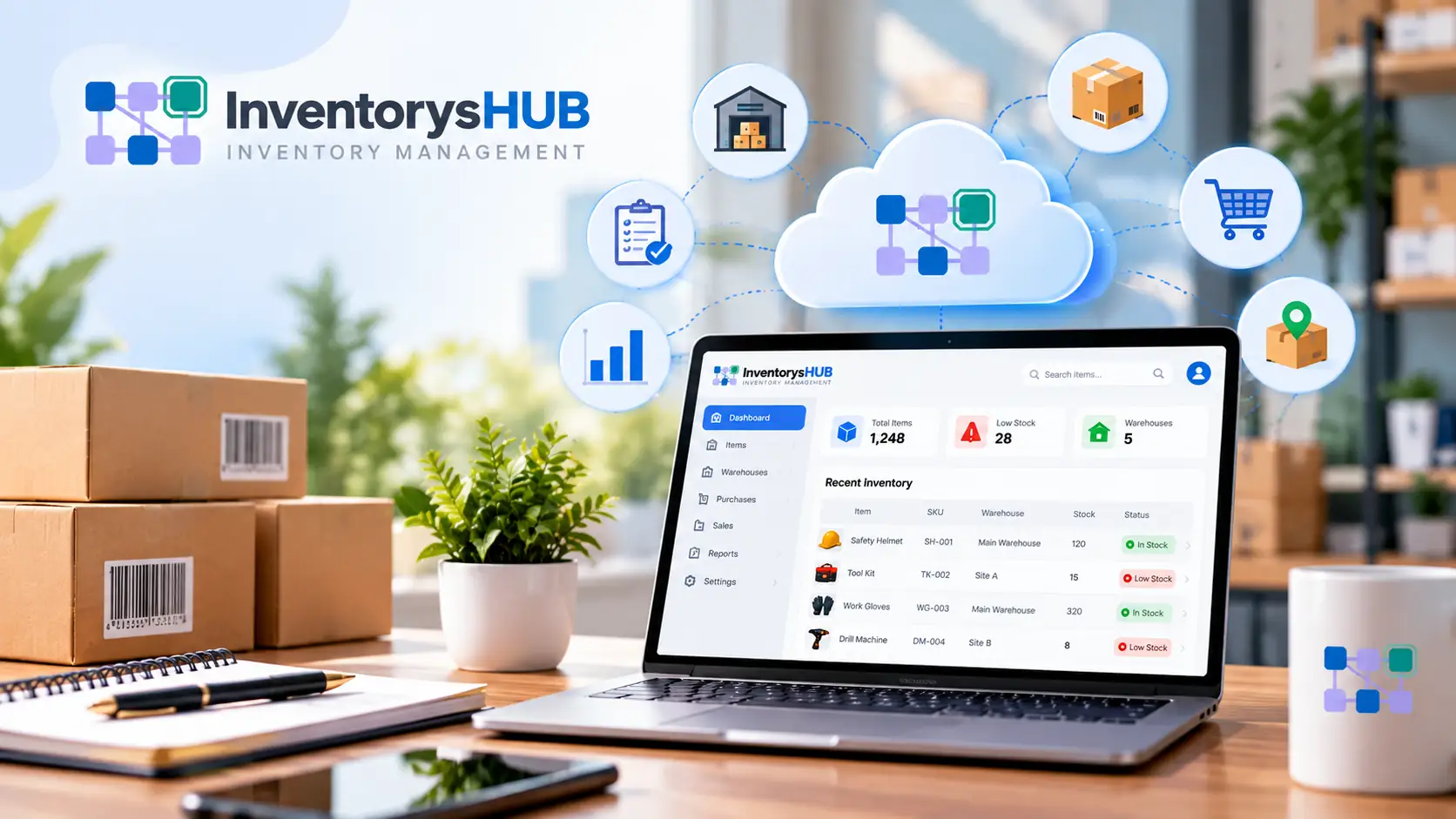
Cloud inventory software is a system that stores stock data on secure online servers instead of a single computer. Users open it from any device with an internet connection and check accurate stock levels at any time. Many businesses now use it to replace spreadsheets and manual registers.
This guide answers the question of what cloud inventory software is and explains how it works. It also covers the main features and the difference between cloud and on-premises systems. The final sections show how to choose the right tool and how InventorysHub fits in.
What Is Cloud Inventory Software?
Cloud inventory software is an online tool that tracks products and stock levels in real time. The vendor hosts the system on remote servers, and businesses reach it through a web browser or a mobile app. No program installation or local hardware is required.
The provider takes care of updates and backups, and security. Staff log in and work with the latest data every time. This setup gives small businesses access to the same quality of tools that large companies use.
Cloud Inventory Meaning in Simple Words
The cloud inventory meaning is easy to understand. The word cloud refers to internet-based servers that store data. The word inventory refers to the goods that a business buys and stores and sells.
Together, they describe a cloud stock system that records every stock movement online. It shows what the business owns and where the stock sits and how fast it sells. This information helps buyers decide what to reorder and when.
Online Inventory Software vs. Spreadsheets
A spreadsheet stores numbers, but it cannot act on them. Online inventory software updates count on its own and send alerts and build reports. It also lets many users work on the same data at the same time.
How Does Cloud-Based Inventory Software Work?
Cloud-based inventory software follows a clear process from data entry to reporting. Each step runs automatically after the first setup is complete. The five steps below show how the system works in daily use.
Step 1: Central Data Storage
All product data stays in one secure database that every approved user can reach. This includes product names and prices and quantities, and supplier details. Everyone sees the same numbers, so conflicting files stop appearing.
Step 2: Real-Time Updates
Each sale and return and delivery changes the stock count as soon as someone records it. Teams do not need to wait for an end-of-day update. Managers can check current levels at any moment during the day.
Step 3: Barcode and Device Scanning
Staff scan barcodes with a phone or a handheld scanner to record stock movements. The scan updates the system within seconds. This reduces typing errors and speeds up every stock count.
Step 4: Integrations With Other Tools
The software connects with sales channels and accounting tools, and shipping apps. Data flows between these tools on its own. This ends double entry and keeps records clean.
Step 5: Alerts and Reports
The system sends an alert when an item reaches its minimum level. It also produces reports on sales and stock value, and turnover. These reports help plan purchases using facts instead of guesses.
Key Features to Look For
Most online inventory software shares a core set of features. Check for these features when comparing tools. Each one solves a common stock management problem.
Real-Time Stock Tracking
Live quantities show each product and location. This stops overselling and cuts stockouts. Customers see the right stock count on every sales channel.
Multi-Location Management
Stock across warehouses and stores and online channels can be tracked from one dashboard. Transfers between sites stay recorded and visible. This stops one site from running out while another holds excess stock.
Automated Reorder Alerts
A minimum stock level is set for each item. The system sends an alert when stock falls to that level. Some tools even create purchase orders.
Order and Supplier Management
Purchase orders and deliveries can be tracked in the same system. Supplier details and prices stay stored in one place. This keeps the buying process neat and easy to review.
Reporting and Analytics
Reports show best sellers and slow movers, and total stock value. Demand trends become visible early, so orders can be adjusted. This helps reduce dead stock and free cash.
Cloud-Based vs. On-Premises Inventory Software
Businesses often compare cloud systems with on-premises systems before buying. On-premises software runs on servers that the business owns and manages itself. The table below shows the main differences between the two options.
| Factor | Cloud-Based Inventory Software | On-Premises Inventory Software |
| Setup | Fast and no servers needed | Slow and hardware needed |
| Upfront cost | Low monthly fee | High one-time cost |
| Access | Any device with internet | Office network only |
| Updates | Automatic | Manual and often paid |
| Scalability | Easy to add users and sites | Needs new hardware |
| Backup | Handled by the vendor | Handled by the business |
| Maintenance | Vendor manages it | Internal IT team manages it |
A cloud stock system suits most growing businesses because it costs less to start and scale easily. On-premises software may suit firms with strict local data rules. Check the needs of the business before making a choice.
Signs a Business Has Outgrown Spreadsheets
Spreadsheets work well for a small product list. They become risky as sales and locations grow. Watch for these warning signs:
- Stock counts differ between files.
- Products sell even though they are out of stock.
- Staff spend hours updating numbers by hand.
- The business manages more than one location.
- Stock levels are not visible in real time.
If two or more signs apply, then it is time to switch. Cloud-based inventory software removes most of this manual work. Teams can then focus on sales and customers.
How InventorysHub Helps Businesses Manage Stock in the Cloud
InventorysHub offers cloud inventory software that runs entirely on the web. Teams open it in a browser on a desktop or a phone and do not need to install any program. All stock data stays on secure online servers and updates in real time.
How InventorysHub Works as Web-Based Software
Because the platform is web-based online inventory software, every approved user in every location sees the same stock data. A sale or delivery recorded in one place appears at once for the whole team. InventorysHub handles hosting and updates and backups, so a business needs no servers of its own.
Why Web-Based Access Matters
Web-based access removes the need for office computers and local servers. Staff in different branches work on the same live data without sending files back and forth. This keeps stock records consistent across the entire business.
How InventorysHub Helps Businesses
-
Browser access: Stock data opens on any device with an internet connection.
-
Live stock counts: Stock counts stay visible at every location.
-
Low-stock alerts: Reorder alerts arrive before items run out.
-
Fewer errors: Scanning replaces slow manual typing.
-
Clear reports: Best sellers and slow movers are easy to spot.
-
Room to grow: Users and products and sites can be added as the business expands.
These features save time and reduce waste. They also give businesses solid numbers for every buying decision. The product page lists the full feature set of this cloud stock system.
How to Choose the Right Tool
Many tools look similar on the surface. A clear checklist helps compare them fairly. Use the points below during the search.
Define the Needs
List the features that are essential before viewing any demo. Note the product count and locations and sales channels. This keeps the search focused on tools that fit.
Check Integrations
The software must connect with the tools already in use. Look for links to accounting and ecommerce and shipping platforms. Weak integrations create extra manual work.
Test Ease of Use
The team will use the tool every day so it must feel simple. A clean layout shortens training time. Always test the mobile app as well.
Questions to Ask Vendors
Ask these questions before committing:
- Can the tool support business growth over the next three years?
- How does the vendor protect and back up data?
- What support is available and during which hours?
Cloud-based inventory software gives a business a live and accurate view of stock from any device. It reduces errors and saves time and grows with operations. That is the clear answer to what is cloud-based inventory software.
Start with a clear checklist and a free trial. Compare features and support before making a choice. A web-based cloud stock system such as InventorysHub helps businesses control stock and costs.
Frequently Asked Questions
What is cloud-based inventory software in simple terms?
It is an online tool that tracks stock and product data. The vendor hosts it on remote servers and users access it through the internet. Nothing needs to be installed on a local server.
What is the cloud inventory meaning?
Cloud inventory means stock data lives on online servers instead of one computer. It can be viewed and updated from any device. The whole team works from the same live numbers.
How is online inventory software different from a spreadsheet?
A spreadsheet only stores data and needs manual updates. Online inventory software updates counts on its own and sends alerts and builds reports. It also allows many users to work at the same time.
Is cloud-based inventory software safe?
Trusted vendors use encryption and regular backups and access controls. The business decides who can view or edit data. Always read the security policy of a provider before buying.
Can small businesses use a cloud stock system?
Yes because many plans are designed for small teams and low budgets. A business can start with basic features and add more as it grows. This keeps early costs low.
How does InventorysHub help a business?
InventorysHub gives businesses live stock counts and low-stock alerts and clear reports in one web-based dashboard. It reduces manual errors and saves team time. It also scales as the business grows.
Is InventorysHub web-based software?
Yes because InventorysHub runs in a web browser on any device with an internet connection. Teams do not need to install a program or manage a server. Stock data stays online and updates in real time.