 Michael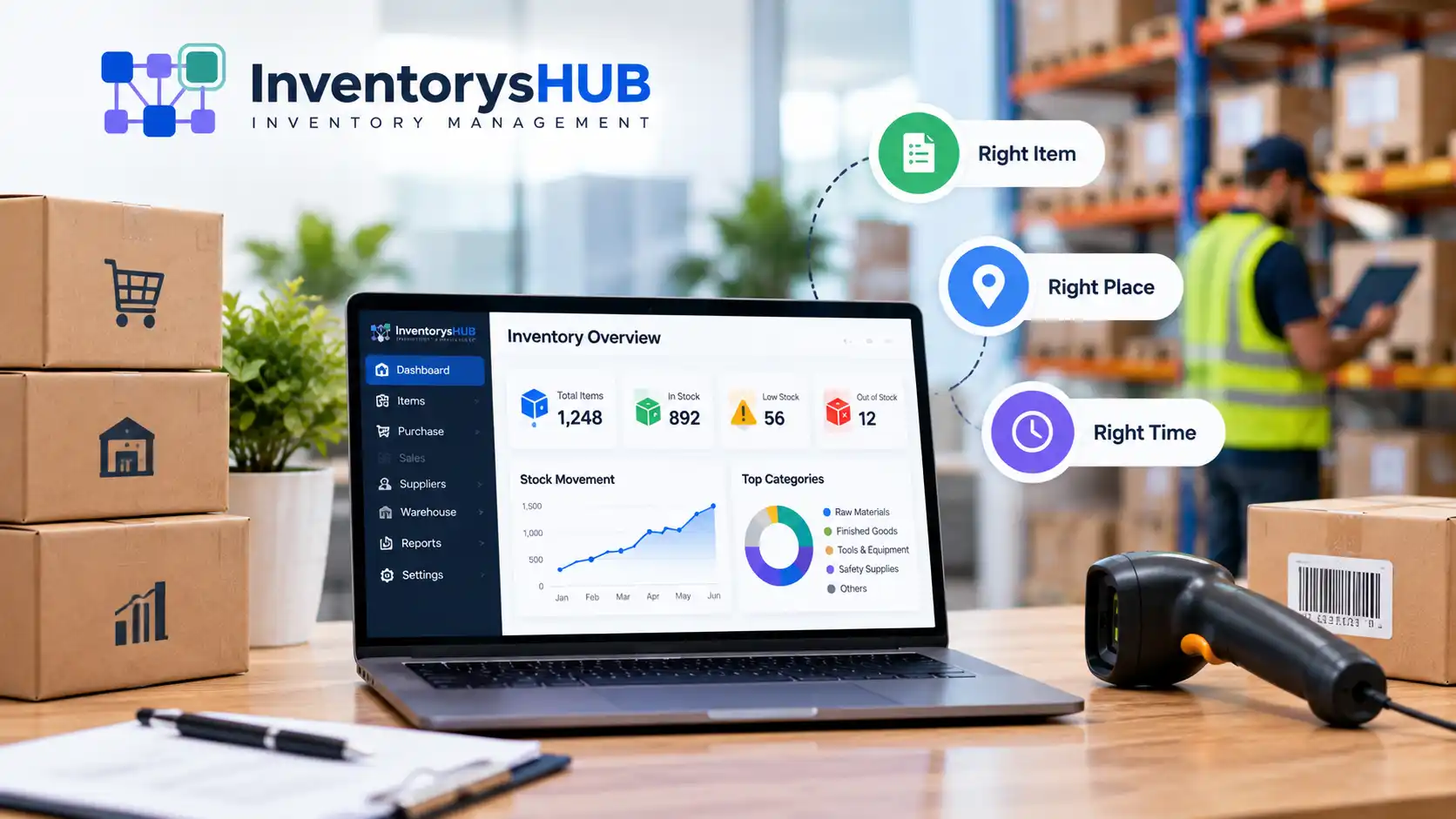
Ever run out of a best-seller right when customers want it? Or found a back room full of stock that just won’t sell? That’s what inventory management fixes. This guide covers what inventory management is, how it works, and why it matters for any business that buys, stores, or sells goods.
By the end, you’ll know the basics, the main methods teams use, and how to start managing your own stock.
What Is Inventory Management?
Inventory management is how a business orders, stores, tracks, and controls its stock. This covers raw materials, parts, and finished goods. In short, the inventory management meaning comes down to one goal: the right amount of stock, in the right place, at the right time.
Good stock control helps you dodge two costly traps:
- Stockouts. You run out of items people want to buy.
- Overstock. Your cash sits locked in goods nobody buys yet.
Get this right, and you save money, keep buyers happy, and run a smoother business.
How Does Inventory Management Work?
Stock control is not just one task. It’s a loop made up of a few steps. Here’s how it plays out.
Tracking Stock Levels
Step one: know what you have. Log every item that comes in and goes out, whether it’s a new shipment, a sale, or a return. Accurate counts are the base for everything else.
Ordering and Restocking
Once you know your stock levels, set a plan for reordering. Most teams use a reorder point: a set quantity that triggers a new order before stock runs dry.
Storage and Warehousing
Where and how you store goods shapes both cost and speed. Tidy storage means faster picking and packing, and it cuts the risk of lost or damaged stock.
Reports and Reviews
Last, review your data over time. This shows which items sell fast and which ones sit idle, so you can buy smarter next time.
Why Inventory Management Matters
Stock is often a business’s biggest cost. Handle it well, and it shows up on your bottom line. Here’s why it counts:
- Better cash flow. Your money isn’t stuck in extra stock.
- Fewer lost sales. Popular items stay in stock when buyers want them.
- Lower storage costs. You hold only what you need.
- Fewer errors. Orders, shipments, and books all match up.
- More trust. Buyers get their orders on time, with fewer delays.
Skip a clear system, and you’ll face mixed-up records, wasted space, and upset customers. That’s why even small shops gain from a simple process, set up early.
Inventory Management Basics: Key Terms
A few terms come up again and again. Learn these inventory management basics and stock reports start to make sense fast.
| Term | What It Means |
|---|---|
| SKU | A code used to track one specific item |
| Reorder point | The stock level that triggers a new order |
| Safety stock | Extra stock kept in case of a spike in demand |
| Lead time | The wait between placing an order and its arrival |
| Stock turnover | How often you sell and replace your stock |
| Carrying cost | The full cost to store and hold stock, such as space and insurance |
Know these terms, and it’s much easier to read reports and make smart buying calls.
Types of Inventory Management Methods
There’s no single right way to manage stock. Teams pick a method based on size, trade, and product type.
FIFO vs LIFO
FIFO (First In, First Out) means you sell your oldest stock first. It’s common for food and other goods that spoil, since it cuts waste. LIFO (Last In, First Out) means you sell your newest stock first. It’s less common but can suit some tax needs.
Just-in-Time (JIT)
With JIT, you order stock only when you need it, rather than stocking up in bulk. This cuts storage costs, but it needs suppliers you can count on, since there’s little buffer if a shipment runs late.
ABC Analysis
ABC analysis splits stock into three groups by value:
- A items: high value, low count, watch these closely.
- B items: mid value, mid count.
- C items: low value, high count, check these less often.
This method helps teams focus on the stock that matters most.
Who Uses Inventory Management?
Almost any business that handles physical goods needs some form of stock control. A few common examples:
- Retail stores, tracking shelf stock and back-room supply
- Online shops, syncing stock across several sales channels
- Manufacturers, managing raw materials and finished goods
- Restaurants and food service, watching stock that can spoil
- Distributors and wholesalers, moving large volumes between warehouses
The tools and methods may shift from one trade to another, but the core goal stays the same: know what you have, and use that data to make better calls.
Inventory Management Explained: By Hand vs By Software
When people ask for inventory management explained in plain terms, it comes down to a choice: track stock by hand, or use a tool built for the job.
By hand, you’re prone to human slip-ups. It’s slow once you scale up, and reports often live in messy spreadsheets. Growth gets hard to manage, and the task eats up a lot of your time.
With a dedicated tool, counts stay in sync on their own. You get live updates plus built-in charts and reports. It scales with you as you grow, and it saves time once it’s set up.
Many small shops start with spreadsheets, and that’s fine at first. But as order counts grow, tracking by hand gets messy and error-prone fast. That’s often the point when teams switch to inventory management software to keep things clean in one place.
Common Inventory Management Problems
Even with a solid setup, issues pop up. Some of the most common:
- Wrong counts from manual data entry
- Low visibility across stores or sales channels
- Too much or too little stock due to bad guesswork
- Time lost on repeat manual updates
- Trouble tracking stock across sizes, colors, or other variants
Spot these early, and it’s much easier to pick the right tools before they turn into big problems.
Best Practices for Inventory Management
New to this or just tuning up your process? These steps help:
- Set a clear reorder point for each item, based on sales speed and wait time
- Count stock often to catch gaps early
- Use one SKU per item across all stores and channels
- Check sales data often to spot slow and fast movers
- Keep safety stock for your top items
- Automate what you can to cut errors and save time
Small, steady habits like these often beat any single tool.
Frequently Asked Questions
Is inventory management the same as supply chain management?
No. Supply chain management covers the full journey of a product, from raw material to final delivery. Inventory management is one part of that chain. It focuses only on the stock a business holds at any point in time.
What’s the difference between inventory management and inventory control?
Inventory management is the big picture: planning, ordering, and forecasting stock needs. Inventory control is more narrow. It covers the daily tasks, such as counting stock and keeping the warehouse in order.
Do small businesses need inventory management software?
Not always, at least not at first. A small shop with a handful of products can often get by with a simple spreadsheet. But as sales and product lines grow, most small businesses find that a dedicated tool saves time and cuts costly errors.
How often should a business count its inventory?
It depends on the size and type of stock. Some businesses do a full count once a year. Others check high-value or fast-moving items every week. Frequent spot checks tend to catch errors faster than one big count at year end.
Getting Started with Inventory Management
At its core, stock control is about balance: enough goods to meet demand, without cash stuck in stock nobody wants yet. Big or small, the basics stay the same: track well, order smart, and check your data often.
Ready to move past spreadsheets and manual counts? The next step is simple. You can create your free account and see how much easier stock tracking gets with the right tool in hand.