Before you start
- Add at least one warehouse and keep the Warehouse feature turned on.
- Changing an item’s warehouse after it has been set needs the Advanced or Ultimate plan, which include stock transfers.
How to assign items to a warehouse in InventorysHub
-
Open the item form
For a new item, click Items and then Add Item. For an existing item, open it, click the ⋮ menu and choose Edit Item.
-
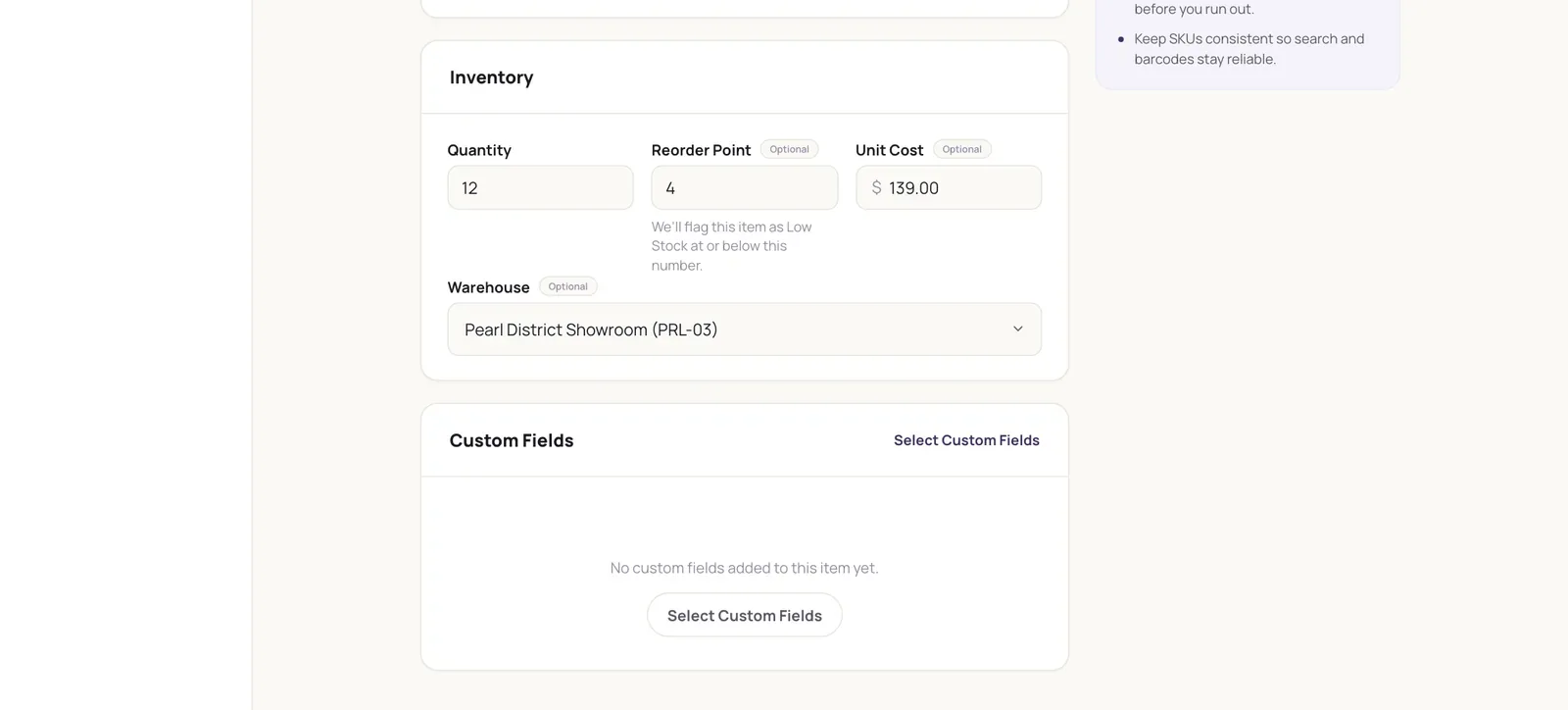
Choose the warehouse
In the Inventory section, open the Warehouse list and pick the location where this item is kept. The list shows only active warehouses.
-
Save and check the item page
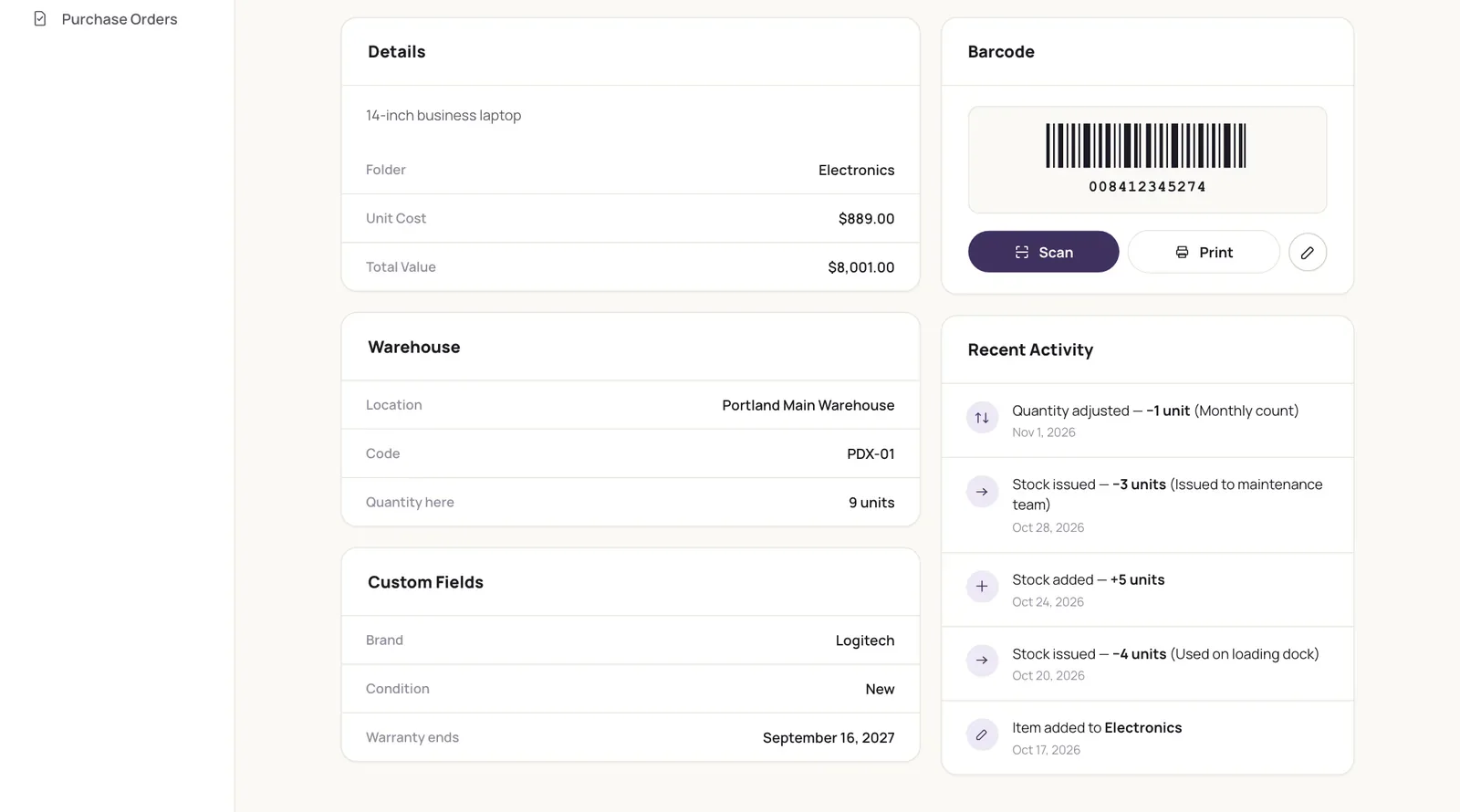
Click Save Item. On the item page, the Warehouse card now shows the Location name and its Code, so anyone can see where to find the item.
Set the warehouse when you first add an item. It saves a second edit later, and on lower plans the first choice is the one that sticks.
Move stock to another warehouse
On the Advanced and Ultimate plans, you can change an item’s warehouse at any time: edit the item, pick the new location and save. To keep a clear record when only part of the stock moves, issue the units at the old site and add them at the new one, choosing Stock Transfer as the reason when you add stock. Both changes then appear in the stock log.
Check stock across all locations
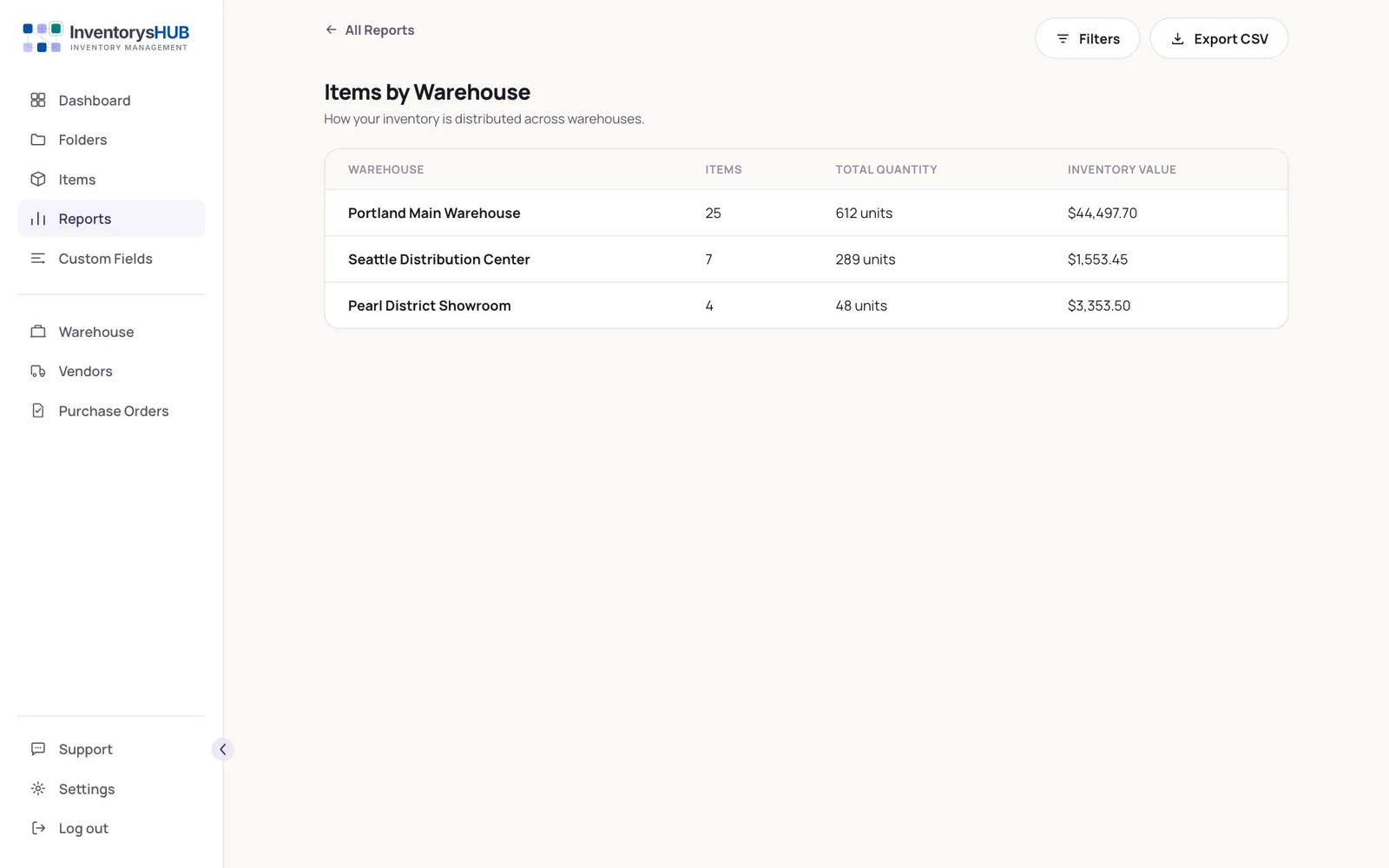
Open Reports and view Items by Warehouse to see items, units and value for each site side by side. In the Low Stock, Out of Stock and Inventory Activity reports, use Filters to pick one warehouse at a time, which helps each site manager focus on their own shelves.
Folders and warehouses work together
Folders describe what an item is, while warehouses describe where it is. When you assign items to a warehouse in InventorysHub and keep folders for product types, you can answer both questions at a glance. See how this scales across many sites with multi-location inventory management.
Quick answers
Why is the Warehouse field missing from my item form?
The field shows only when the Warehouse feature is turned on and at least one active warehouse exists.
Why can I not change an item’s warehouse?
Moving an item between warehouses after it has one is part of stock transfers, which come with the Advanced and Ultimate plans.
Can one item be in two warehouses?
Each item has one warehouse. If you keep the same product in two places, create one item per location so each count stays accurate.